

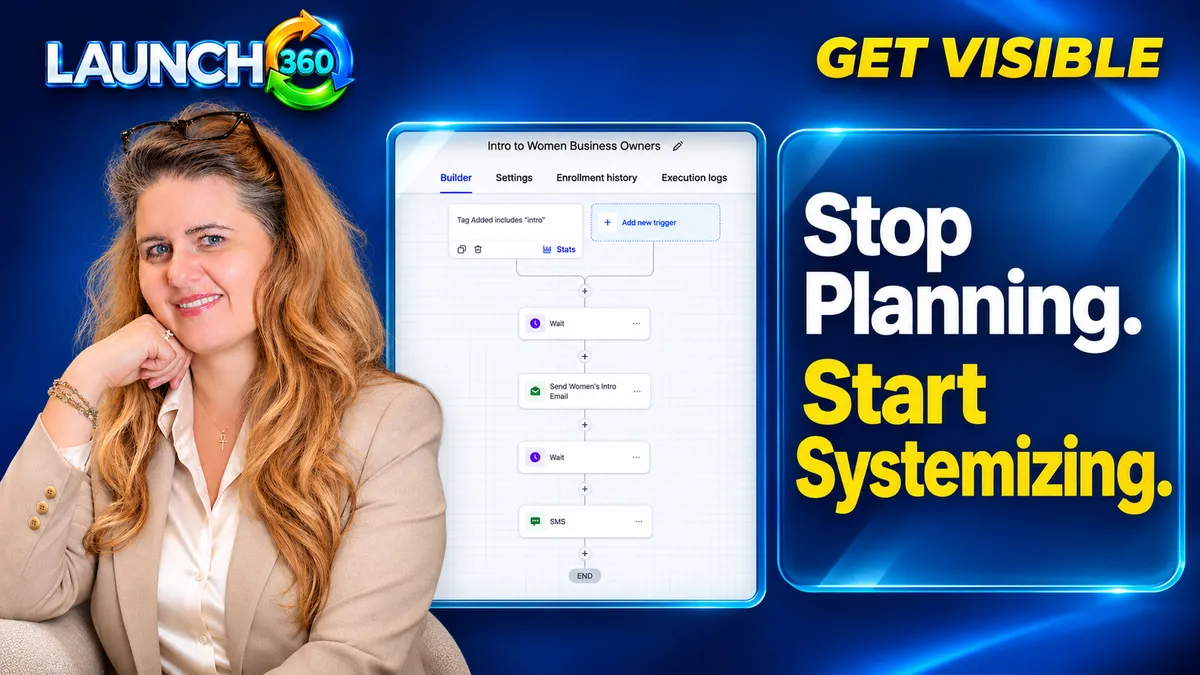
Which recurring problem should you choose first?
Start with a frequent, visible failure: an unanswered inquiry, missing onboarding materials, forgotten appointment preparation, or a recurring content deadline. Choose a problem narrow enough to trace from beginning to end.
Ask how often it occurs, who is affected, what the consequence is, and what would count as a successful outcome. Avoid beginning with “automate the whole business.” A process that saves the owner a small task but confuses customers may not be the right first project.
What belongs in a usable process?
Write the trigger, required information, next actions, responsible people, and completion criteria. Include where the work is recorded and how a person can tell whether it has already been done.
Example: new consultation request
- Trigger: a suitable inquiry enters the website form.
- Owner: the assigned team member reviews it.
- Action: acknowledge receipt and provide the agreed next step.
- Completion: the request has a clear status and next action.
- Exception: urgent, incomplete, or unsuitable requests reach a person.
This is an illustrative process. Adapt the details to your own service and response capacity.
What should you automate and delegate?
Automate predictable tasks after confirming that the underlying action is useful. Examples include an internal reminder, a confirmation, or a routing rule. Delegate decisions only when the responsible person understands the standard and the limits of their authority.
Repeated work still needs judgment when circumstances change. A customer complaint, unusual request, or scope dispute should not be forced through a generic sequence. Build a clear route to human review and a way to pause messaging while the issue is being handled.
How do you know the system is ready?
Walk through a normal case, a duplicate request, missing information, a late response, and an exception. Check the customer-facing messages as well as the internal record. Test whether another trained person can understand the status without asking the owner.
Start with a limited rollout. Review missed steps, unnecessary messages, and time spent correcting the process. A workflow is ready to expand when it makes the work more dependable and the team can explain how to maintain it. Installation alone is not that evidence.
How can Launch360 help turn a plan into execution?
Launch360 connects websites, CRM, scheduling, communication, and automation so a defined journey can operate across fewer disconnected tools. Consulting can help clarify the process; implementation and ongoing support depend on the current option you choose.
Bring one real workflow to the conversation. Show where the request begins, what repeatedly goes wrong, and who needs to act. Agree on deliverables, responsibilities, and maintenance before expanding. Keep the useful planner; give its priorities a repeatable route into the working week.
Frequently Asked Questions
Do I have to stop planning?
No. Planning sets priorities and capacity. Systemizing defines how recurring work gets completed once the priority is chosen.
Should every repeated task be automated?
No. Some repeated tasks need human judgment or personal attention. Document them and decide which parts are predictable enough to automate.
Can a solo business use systems?
Yes. A clear checklist, reminders, and a consistent place to track status can help before you hire a team.
What if my current workflow changes often?
Begin with a simple documented process and review it regularly. Avoid complex automation until the core steps are stable enough to justify the maintenance.
Start. Grow. Scale. Amplify.
Turn one recurring problem into a dependable process
Work with Launch360 to define the handoff, ownership, and connected tools your next business system needs.