
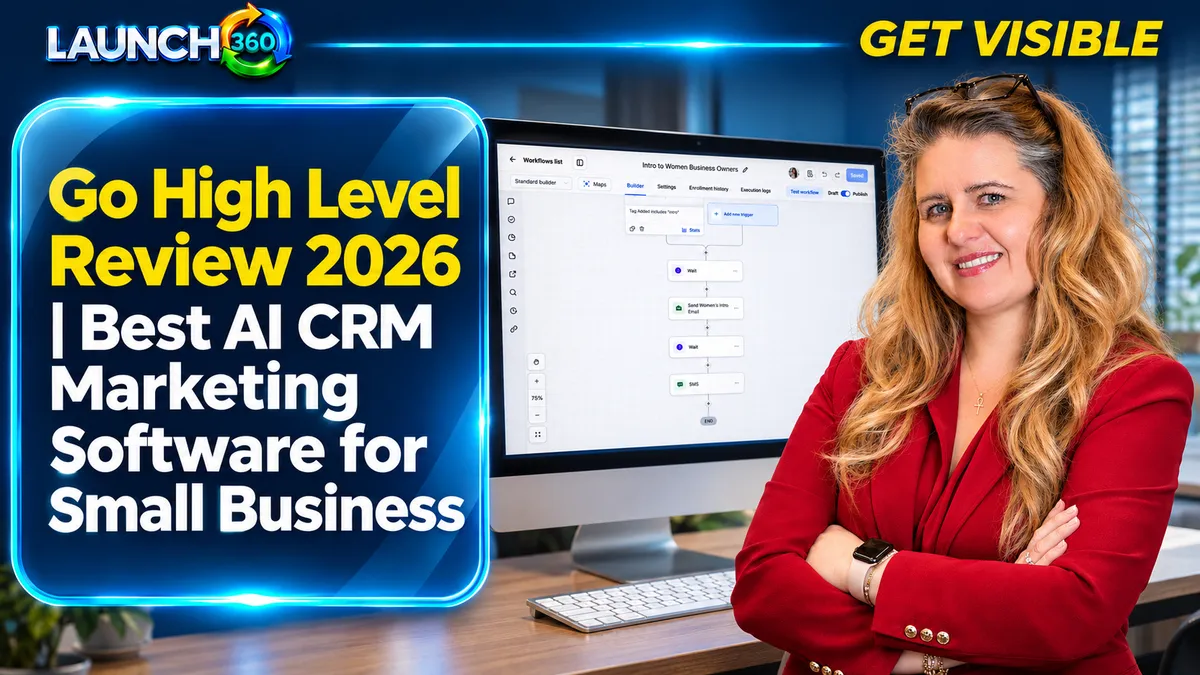
What Does HighLevel Bring Together?
HighLevel’s official product information describes a platform combining CRM, pipelines, forms, websites, calendars, conversations, workflows, and AI-related tools. The appeal is a connected path from an inquiry to a booked appointment and ongoing customer communication.
That breadth can reduce handoffs between tools, but a feature list does not show whether your specific workflow is ready to use. Request a demonstration that follows one realistic customer inquiry through the system. Confirm which features, integrations, and limits apply to the account you are considering.
Who Is It a Good Fit For?
It is worth evaluating when leads, appointments, and repeated follow-up are central to your business. A service provider handling requests through scattered inboxes may benefit from shared records and clearer ownership.
It may be more platform than you need if you have very few inquiries and a simple process that already works well. Specialized operational requirements may also need separate software. List the jobs the system must perform before comparing it with your current setup.
What Are the Practical Advantages and Tradeoffs?
| Potential advantage | What to verify |
|---|---|
| Shared contact and conversation context | Which channels connect and who can access them |
| Workflow automation | Triggers, stop conditions, exceptions, and maintenance |
| Connected booking and lead capture | Your calendar, form, routing, and confirmation requirements |
| Fewer disconnected tools | Migration effort, features you still need elsewhere, and total cost |
The learning curve and implementation work remain real considerations. Good setup can address many problems, but it does not remove every limitation or eliminate the need for staff involvement.
How Should You Compare the Total Cost?
Inventory current subscriptions and the work each performs. Identify what can truly be retired, what must remain, and what migration will cost. Include setup, training, internal administration, ongoing support, and relevant messaging, phone, AI, or other usage charges.
Do not assume every business will save a fixed amount. A tool that costs less but leaves the team unable to maintain its workflows may be a poor fit. Review current pricing and plan conditions directly before making a commitment.
Should You Choose DIY or Launch360 Support?
DIY suits an owner or team willing to learn, configure, test, and maintain the platform. Managed implementation suits businesses that want defined work delivered and supported. Either option still requires business decisions about services, customer communication, and responsibilities.
Launch360’s Solo option provides a DIY path with onboarding. Managed Start, Grow, Scale, and Amplify plans combine different levels of website, visibility, systems, and support. Compare the current Launch360 scope rather than assuming every platform capability is implemented in every plan.
What Should You Test Before Moving Your Business?
- Submit a controlled test inquiry.
- Verify assignment and conversation visibility.
- Check booking, confirmations, and reminders.
- Test what happens when someone replies, cancels, or asks to stop.
- Confirm staff permissions and data export options.
- Document who will maintain the system.
Keep the migration staged. Preserve important URLs, customer information, and existing communication until replacements are verified. Agree on launch criteria and a support plan before turning off the previous tools.
Frequently Asked Questions
Is HighLevel the best CRM for every small business?
No. Suitability depends on your workflow, budget, technical capacity, and support needs. Use the review as an evaluation framework.
Does platform access include a finished system?
Not necessarily. Configuration, content, integrations, testing, and ongoing management must be included in the agreed scope or handled by your team.
Will AI remove the need for human follow-up?
No. Define approved answers and handoff rules, and keep people responsible for exceptions, relationship-building, and service decisions.
How can Launch360 help me decide?
Bring your current tools, inquiry process, priorities, and pain points to a consultation. Compare the required work with the available plan scope.
Start. Grow. Scale. Amplify.
Choose the Right Level of Platform Support
Talk with Launch360 about your website, visibility, and customer follow-up. We can help identify what needs attention and which level of support fits your business.