

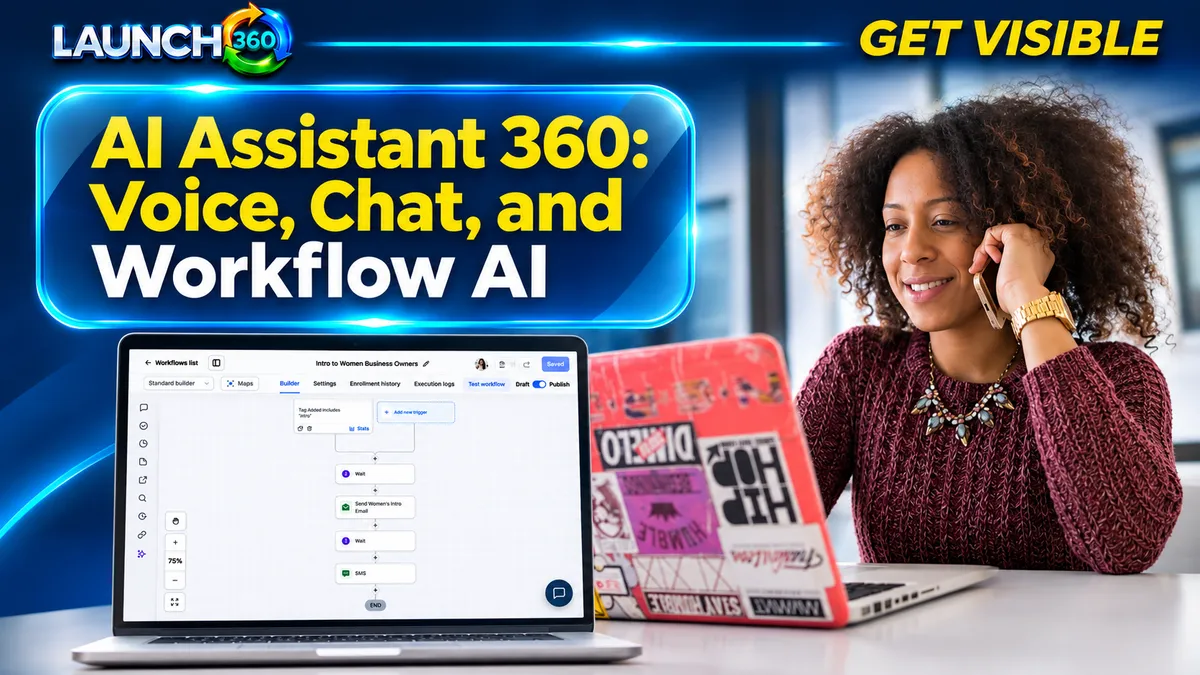
Which Channel Fits Your Customer Journey?
Use voice support when phone inquiries are important and the business needs help with coverage or routine routing. Chat can serve people who want a quick answer while browsing. Workflows connect predictable events to actions, such as creating a follow-up task after a form submission.
These are different jobs. A workflow that sends a confirmation does not necessarily need generative AI. Begin with the smallest tool that can do the work reliably rather than adding a conversational system to every step.
What Can Voice and Chat Responsibly Handle?
Good starting topics include approved service descriptions, hours, location information, and how to request an appointment. Keep the information current and define questions that need a person.
For example, a chat assistant can explain what to prepare for a consultation and offer the booking destination. It should not promise a custom price, approve an exception, or claim an appointment is confirmed unless the connected system verifies that outcome. Describe the experience accurately to customers.
How Do Workflows Keep the Conversation Organized?
A useful workflow has a trigger, conditions, actions, and stop rules. After an inquiry, it might create a CRM record, assign an owner, send confirmation, and alert the team. When the person books or replies, the next action should reflect that change.
- Map the customer action.
- Define the information required.
- Choose the responsible owner.
- Set the next step and expected timing.
- Test replies, cancellations, duplicates, and failures.
Keep the logic understandable. A long automation that nobody can explain is difficult to maintain and troubleshoot.
What Should You Test Before Customers Use It?
Test normal questions, ambiguous requests, unavailable appointments, outdated information, and explicit requests for a human. Check whether the conversation and task reach the correct record and whether staff receive the context they need.
Review the customer experience as well as the technical action. An assistant that answers quickly but gives the wrong next step creates more work. Assign ongoing review responsibility and a way to pause the system when information or circumstances change.
What Should a Provider Include in the Scope?
Ask for the supported channels, knowledge preparation, integrations, testing, training, handoff process, reporting, and maintenance. Confirm which usage charges and limits apply. Ask who updates service information and how errors will be reviewed.
Launch360’s current plans combine different levels of website, CRM, automation, and AI support. Scale includes more advanced AI capabilities, while other needs may fit a simpler workflow or a different scope. Compare current plans and discuss your use case before assuming AI Assistant 360 is a separate fixed package with identical inclusions for every business.
How Do You Measure Whether It Helps?
Review useful conversations, successful handoffs, bookings, unresolved questions, errors, and staff time. Separate activity counts from outcomes: many automated messages do not necessarily mean better service.
Use feedback from staff and customers to refine the scope. A narrow assistant with accurate information and reliable escalation can be more useful than a broad system that appears capable but needs constant correction. Keep people responsible for important commitments and the overall service experience.
Frequently Asked Questions
Does AI provide error-free customer support?
No. It needs accurate information, clear limits, testing, and review. Keep a human handoff available for uncertainty and exceptions.
Do all automated workflows require AI?
No. Many confirmations, notifications, routing steps, and reminders can use straightforward rules.
Can AI book appointments?
It may support booking when the relevant tools and calendar are configured and tested. Confirm the exact behavior and supported conditions in your implementation.
What should I do first?
Choose one repeated inquiry or administrative handoff, define the desired outcome, and ask for a demonstration using that scenario.
Start. Grow. Scale. Amplify.
Choose AI Support Around a Real Business Need
Talk with Launch360 about your website, visibility, and customer follow-up. We can help identify what needs attention and which level of support fits your business.